Managing your direct deposit details ensures you get your tax refunds quickly. It is the safest way to receive your government payments.
The Canada Revenue Agency recently updated its digital security policies. You can no longer update your banking information over the phone.
We will show you the three remaining official methods to set up your account. Learn how to update your details safely without delays.
This guide will help you avoid missed payments and protect your personal data. Follow these simple instructions to secure your funds today.
Why You Need Direct Deposit with the CRA
Waiting for paper cheques in the mail can delay your payments for weeks. Physical cheques can also be easily lost or stolen in transit.
Setting up a direct deposit links your Canadian bank account directly to the government. Your money arrives precisely on the official payment date.
This automated service covers a wide variety of essential government benefits. It is the best way to receive your funds securely.
- Canada Child Benefit: monthly payments for families
- GST/HST Credits: quarterly tax relief payments
- Tax Refunds: annual income tax return deposits
- Provincial Benefits: regional support programs
The CRA implemented a major security policy change recently. You can no longer use phone agents to update your banking details.
Tax preparers using digital systems are also blocked from making these changes. This strict measure was implemented to prevent identity theft.
You must now take full charge of your own account updates. It is a very simple process if you follow the correct digital steps.
Who Qualifies for CRA Direct Deposit?
You need to meet specific criteria to set up this digital service. The government does not send funds to international bank accounts.
You must have a valid and active Canadian bank account. You also need to have filed at least one Canadian income tax return previously.
This service is vital for permanent residents and temporary workers alike. International students also need this setup for their provincial credits.
Newcomers face a slightly different administrative process. You cannot register online right away if you have never filed taxes in Canada.
New residents must first call the government to register their Social Insurance Number. This step is completely mandatory for first-time filers.
Once your Social Insurance Number is verified in their system, you can proceed. You will then gain full access to the digital setup tools.
Make sure your bank account is fully active before you begin the setup. Joint accounts are accepted if your exact name is clearly on the file.
Banking Information You Will Need
You need three specific routing numbers to connect your bank account successfully. You can find these details printed on a traditional void cheque.
You can also download a direct deposit form from your online banking portal. This digital document displays all routing numbers very clearly.
| Required Detail | Length | What It Represents |
|---|---|---|
| Branch Transit Number | 5 digits | Identifies your specific bank branch location. |
| Institution Number | 3 digits | Identifies your specific financial institution. |
| Account Number | Variable | Your personal account identifier. |
Make sure you enter these digits carefully without any extra spaces. A single typo can send your tax refund to the wrong place entirely.
If you see a four-digit transit field online, it usually refers to the branch. Always use an official digital document to be completely safe.
Do not guess your banking numbers under any circumstances. Contact your bank directly if you feel confused about the official routing digits.
Method 1: Update Online via CRA My Account
This is the fastest and most secure way to update your profile. Changes made through this digital portal are usually processed immediately.
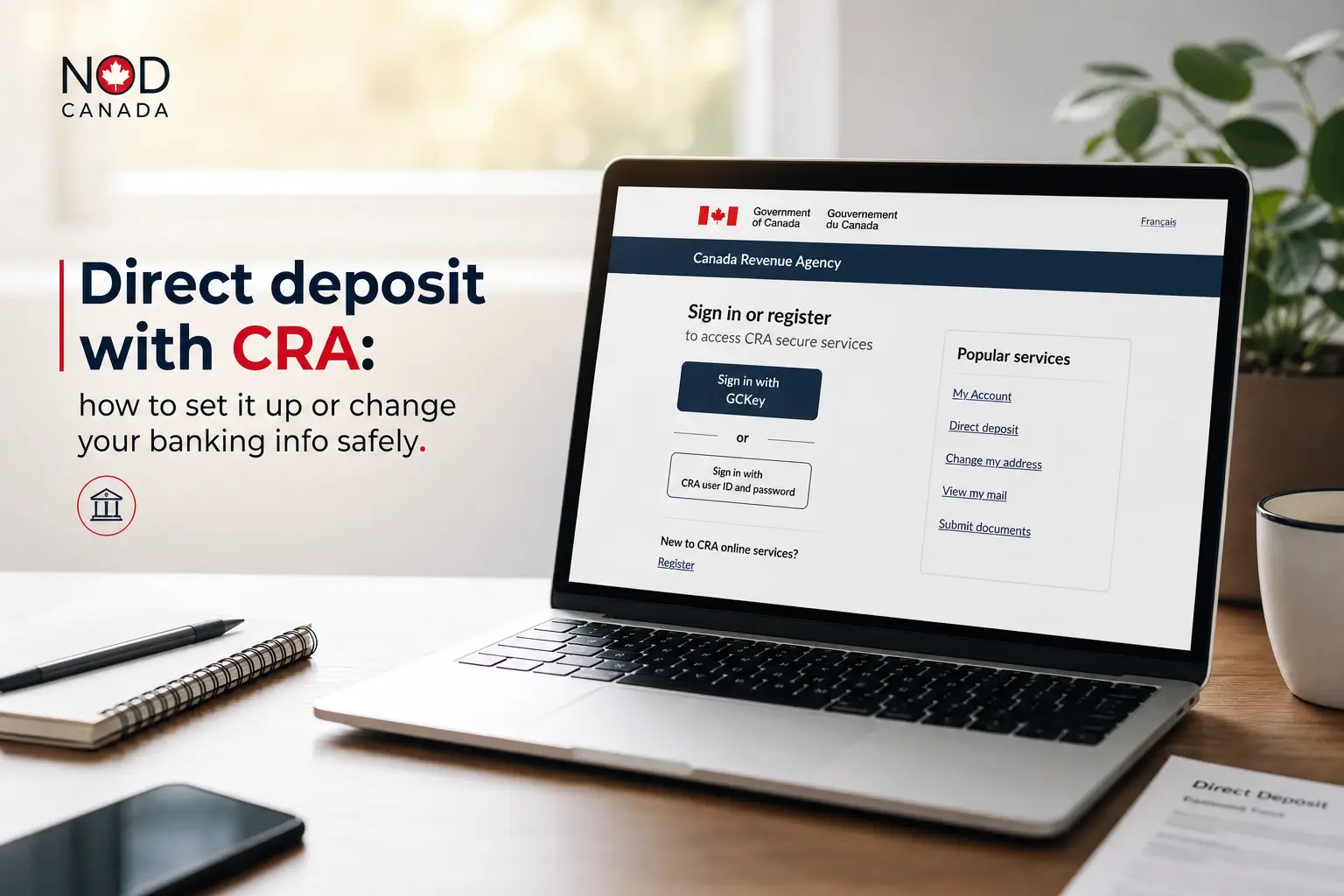
Go to the official Government of Canada website at canada.ca. Log in using your bank credentials or your official federal user ID.
New users can register quickly using the Document Verification Service. This lets you confirm your identity using a mobile phone camera.
It saves you from waiting up to ten days for a paper security code. Once logged in, look for your profile section on the main dashboard.
Click on the direct deposit tab to start your secure update process. Choose to start a new setup or update an existing banking connection.
Enter your branch transit number and your financial institution number. Add your account number and review everything on the screen carefully.
Accept the terms and click the submit button. Your payment profile is now updated in the official federal system instantly.
Method 2: Register Through Your Canadian Bank
Major Canadian banks offer a highly secure integrated enrollment tool. You can link your tax profile directly from your daily banking application.
This method works perfectly for major institutions and many credit unions. Log in to your secure online banking portal to get started.
Search for government services in your primary banking menu. Look for the direct deposit enrollment option on your dashboard screen.
- Select your account: choose the exact checking or savings account.
- Provide details: enter your Social Insurance Number and birth date.
- Authorize sharing: approve the secure transfer of your details.
Read the consent statement carefully before moving forward. You must authorize your bank to share your information safely with the government.
The government usually updates your profile on the next business day. Mobile apps make this process incredibly simple and fast for users.
Some smaller credit unions require accounts to be open for thirty days first. Check with your local branch if you encounter any digital errors.
Method 3: Apply by Mail Using a Paper Form
If you do not use online banking, you can submit a paper application. You will need the official Canada Direct Deposit Enrolment Form.
You can download this specific document from the official federal website. Print the form and fill it out completely using a dark pen.
Write your personal information and your exact banking numbers clearly. You must attach a physical void cheque directly to the application form.
Write the word void across the front of the physical cheque. Do not sign the cheque to protect yourself from potential financial fraud.
Sign the paper form and write the current date clearly. Mail it directly to the Receiver General for Canada at the address provided.
Be aware that mail applications are incredibly slow to process. Paper requests can take up to three full months to be finalized.
Only use this manual method if you have no digital alternatives available. Online updates are always preferred for your overall security.
Timeline and How to Switch Banks Safely
Switching banks requires careful timing to avoid missed benefits completely. There is a golden rule you must always follow during this transition process.
Do not close your old bank account too early. Wait until your first government payment successfully lands in your new active account.
The government recommends updating your details at least thirty days in advance. This gives the digital system enough time to process all changes.
If you close your old account early, your next payment will bounce. The money will return to the government within ten business days.
If a deposit bounces, the automated system might lock your banking profile. This is a strict security measure designed to protect your public funds.
You might be blocked from updating your details online for thirty days. The system will mail a paper cheque to your home address instead.
A locked account requires a lengthy manual verification process. Always double check your payment dates before making a final bank switch.
Critical Safety Warnings and CRA Scams
Direct deposit updates are heavily targeted by aggressive scammers in Canada. Fraudsters often impersonate government agents to steal your sensitive data.
You must know how to protect your personal information online. The tax agency always follows strict communication rules when contacting taxpayers.
The CRA will never send you a text message with a direct link. They will never offer refunds via Interac e-Transfer.
Beware of fake grocery rebate texts arriving on your mobile phone. Scammers often claim you have an unpaid carbon rebate waiting to be claimed.
- Fake texts: messages claiming to offer an inflation relief payment.
- Spoofed sites: emails with links to fake federal login screens.
- Urgent threats: phone calls demanding immediate cryptocurrency payments.
Scammers use sophisticated software to trick you into sharing passwords. Never click on external links sent to you by email or text message.
If you get a notification, open a clean internet browser window immediately. Type the official web address manually to check your secure inbox.
The government will only send an email saying you have new mail. They will never ask for your passwords directly inside an email message.
Official CRA Contact Numbers and Support
If you suspect identity theft, you need to act immediately. Always use the verified official phone numbers to seek professional help.
For individual tax inquiries inside Canada, call the official federal hotline. Telephone lines are open Monday to Friday during standard business hours.
The primary number for general tax inquiries is 1-800-959-8281. If you live in the northern territories, you should dial 1-866-426-1527.
People living outside Canada and the US have a different contact entirely. They should call 1-613-940-8495 for direct international assistance.
You can report active digital scams to the Canadian Anti-Fraud Centre. Call them toll-free at 1-888-495-8501 to file an official police report.
If you receive a suspicious email, do not reply to it. Forward it immediately to the official federal phishing reporting email address.
Never share your Social Insurance Number with an unverified random caller. Hang up and call the official public numbers to verify any claims.
Next Steps to Secure Your Tax Refunds
Take control of your government payments effectively today. Gather your transit and institution numbers before you log in to your secure portal.
Choose the secure online federal platform or your mobile banking app. Remember to keep your old account open during the entire transition period.
Sign up for digital email notifications inside your CRA profile settings. This will alert you instantly if anyone tries to change your details.
This alert gives you an immediate warning of potential digital fraud. You can stop unauthorized changes before your hard earned money is stolen.
Verify your banking information right now to ensure your next payment arrives safely. Access the official canada.ca website to complete your update today.
You might also like: